
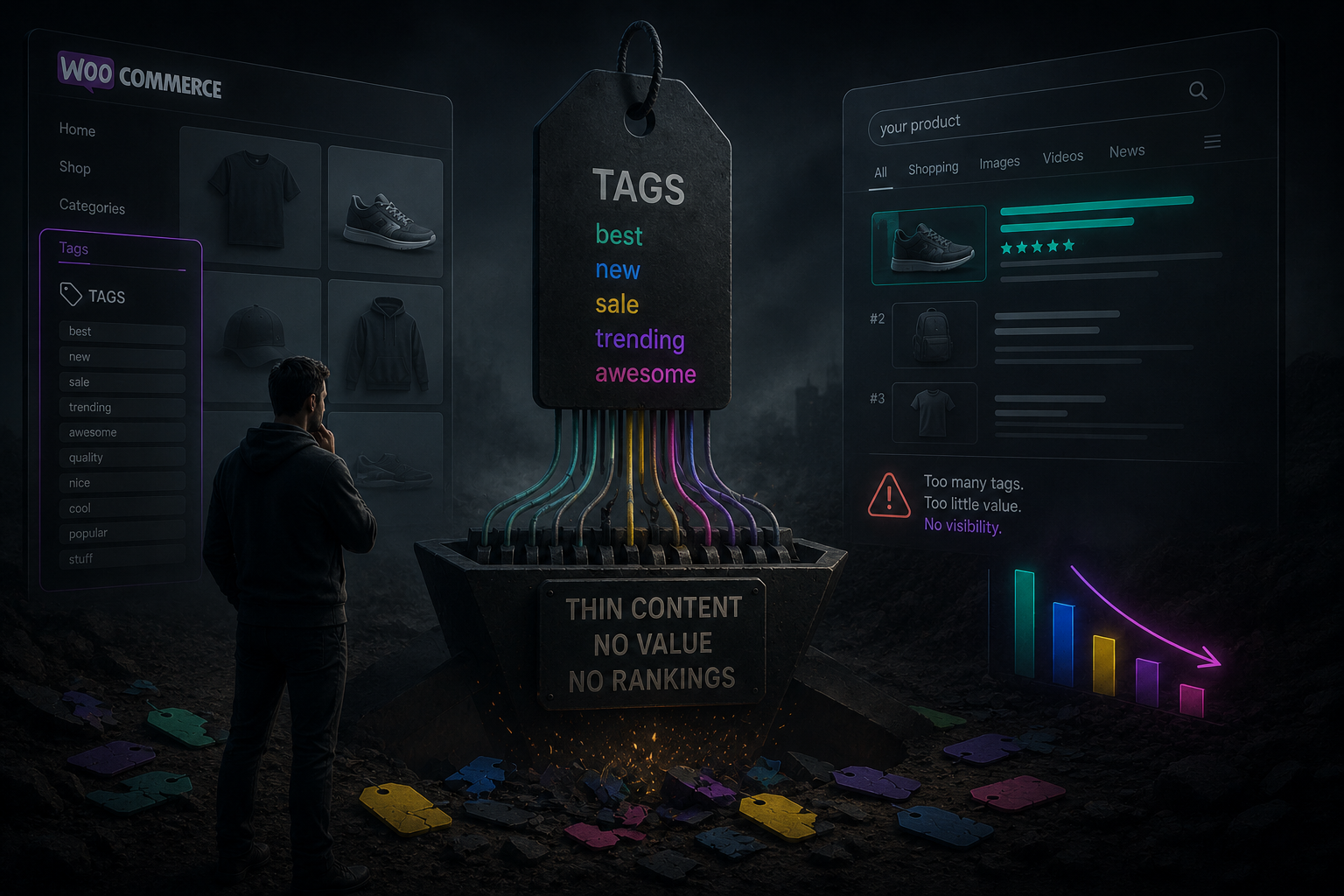

A WooCommerce shop rarely dies in Google because one product title is weak. It dies because the catalogue grew, three people tagged products in three different ways, and nobody treated tags as public pages.
That is the part most owners miss. Ecomstrive puts it plainly: a product tag is not a private staff label. Each one becomes a live archive at /product-tag/your-slug/, with its own title, often its own sitemap entry, and a page Google can crawl the same day you save it. Tags are also flat. There is no parent, no child, no hierarchy. Attach LED, led light and LED-svetlo to similar products and you have three competing URLs for one idea.
Luciano Bonanno’s WooCommerce SEO guide describes the wider tax: WordPress and WooCommerce generate category archives, tag archives, attribute archives and pagination by default. A store with a few hundred products and typical taxonomy settings can produce thousands of indexable URLs nobody meant to publish. Googlebot still visits them. Your real category and product pages get crawled less often.
The damage is slow, which is why it is ignored.
Sprawl, overlap, and pages nobody asked for
First, sprawl. Ecomstrive’s pattern is familiar: a shop that started with twenty tags can sit on three hundred by year three. sale, on-sale, black-friday-2024, bf24. Campaigns end. The labels stay. Katapic suggests a simple cut: a tag with fewer than five products is a candidate to merge or remove. That is not a magic number. It is a way to stop archives that list two products and a generic heading.
Second, overlap. Categories answer where a product sits. Tags should answer what it shares across categories. When a tag copies a category name (running-shoes next to a Running Shoes category), Google has two pages for one query. The tag archive usually has less unique text and weaker internal links. It can still outrank the category you actually merchandised. Filters make it worse: colour and size belong in attributes, not as a second public tag cloud.
Third, leakage on the product page. WooCommerce prints tags in the product meta unless the theme hides them. Staff notes, old campaign codes and junk labels become clickable. The shopper lands on a thin archive, bounces, and Google records a page that looks unused.
Fourth, dead ends. Delete a tag without a plan and the old URL 404s. Change a slug and Google keeps the old address until you tell it otherwise. Katapic’s sequence is the safe one: unassign, set a 301 to the closest useful category or canonical tag, then delete. Skip the redirect and you throw away whatever links and impressions that archive had collected.
Audit first. Then merge, redirect, or noindex
What not to do is panic-noindex everything overnight. Business Bloomer has argued for years that most product-tag archives add little search value and can be taken out of the index. That is often right for junk tags. It is wrong as a blunt rule if a tag already brings traffic or maps to a real search (waterproof, 12V, IP65). Audit first. In Search Console, check which tag URLs have impressions. Keep the few that behave like landing pages: unique intent, enough products, a short real description. The rest: merge synonyms, noindex empty shells, or redirect and remove.
A practical afternoon looks like this. Export or list every product tag. Group obvious duplicates. Decide one canonical name per group. Merge, then redirect the old slug. Hide internal-only labels from the storefront. Stop using tags as a filter engine. Point product descriptions at live category and product URLs, not at archives you are about to kill.
TraFixi can help with the housekeeping — find similar tags, merge them, and write the 301 — but the decision is still yours: which labels deserve a public page, and which were never meant to rank.
Five hundred tags later, the catalogue is not “well organised”. It is a second sitemap nobody asked Google to crawl. Clean the tag layer and your categories have room to rank again.